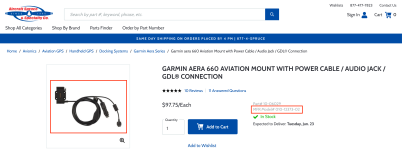
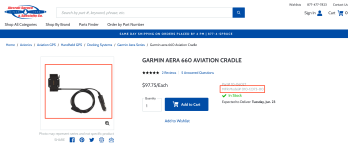
Attached is a PDF of the wiring colors of the standard Aera 660 cable Part # 011-03854-90 that provides 12V power and Audio Out.
For the cable that connects the 660 and the GDL50 (Part# 010-12373-02) the wires and colors are as follows (these are the wires that go from the multi connector that has the GDL50 connector, the audio out, and the cigarette lighter 12V input back to the Aera 660 connector):
Audio Tip (left channel) ...Orange, Audio Ring (Right Channel)...Blue, Barrel (Common Ground)...Brown.
GDL50 RS232 White/Green...TX, connects to the Aera 660 RS232 RX2 White wire
GDL50 RS232 Green...RX, connect to the Aera 660 RS232 TX2 Green wire
Red is power
Black is Ground
I assume that the Blue wire is the Aera 660 RS232 TX1 and the Yellow wire is the Aera 660 RS232 RX1 which seems to be the normal Garmin protocol for these cables but I did not test that.
I dont know why these wires are different colors than the bare wire cables but they are working on my Champ.
Hope this helps.
Figs